Reading Order Book Depth on PSX Trading Platforms: A Practical Guide
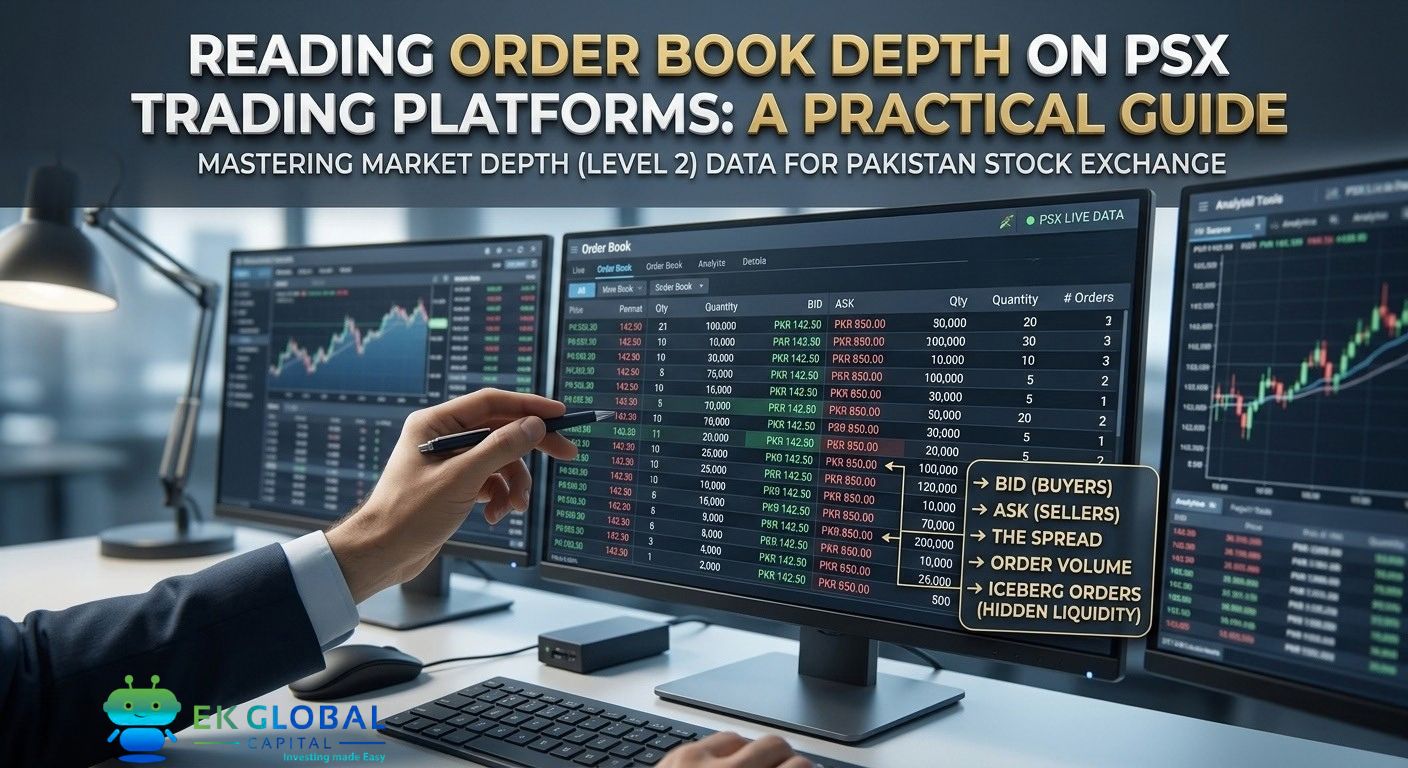
Every modern PSX brokerage app shows a live order book (also called "market depth" or "Level 2 data"): the queue of pending buy and sell orders at each price level. Most retail traders glance at it, don't understand what they're seeing, and move on.
Every modern PSX brokerage app shows a live order book (also called "market depth" or "Level 2 data"): the queue of pending buy and sell orders at each price level. Most retail traders glance at it, don't understand what they're seeing, and move on.
That's a mistake. The order book contains real-time information about buying and selling pressure that can confirm — or contradict — every technical signal you might act on. This guide covers what the numbers actually mean, PSX-specific patterns, and how to combine order book depth with the AI signals from EK Global Capital.
What the Order Book Actually Shows On a typical PSX brokerage screen, the order book has two columns:
Left Side: BID (Buyers Waiting) List of prices where buyers have posted BUY orders, sorted highest to lowest. Each row shows:
Price: What the buyer is willing to pay Quantity: How many shares they want at that price Number of Orders: How many separate buyers are stacked at that price (some platforms show this) The TOP of the bid (highest price) is what a seller would immediately receive if they sold at market — the current "best bid."